Frigate, made for iPhone
See your cameras from anywhere,
and keep them private.
Volaire brings your Frigate security cameras to your iPhone. Watch live, get an instant alert the moment something happens, and replay recordings wherever you are. Your video travels straight from your home to your phone, so it stays completely private.
Email beta@volaire.app with the Apple ID you use on the App Store and we'll add you to the TestFlight. iPad and Apple Watch apps are on the roadmap.
- Free during the beta
- Private by design
- Set up in minutes
How it works
Up and running in three easy steps
It works without port forwarding or a VPN. If you already run Frigate, you're most of the way there.
Step 1
Add the helper
A tiny add-on runs next to your existing Frigate. Copy, paste a few lines, then connect via QR code.
Step 2
Pair your iPhone
Link your phone to your cameras once. A private key is created just for you, so only your own devices can connect.
Step 3
Watch from anywhere
At home or across the world, open the app and your cameras are right there, always private.
Every feature you need
One app for every camera moment
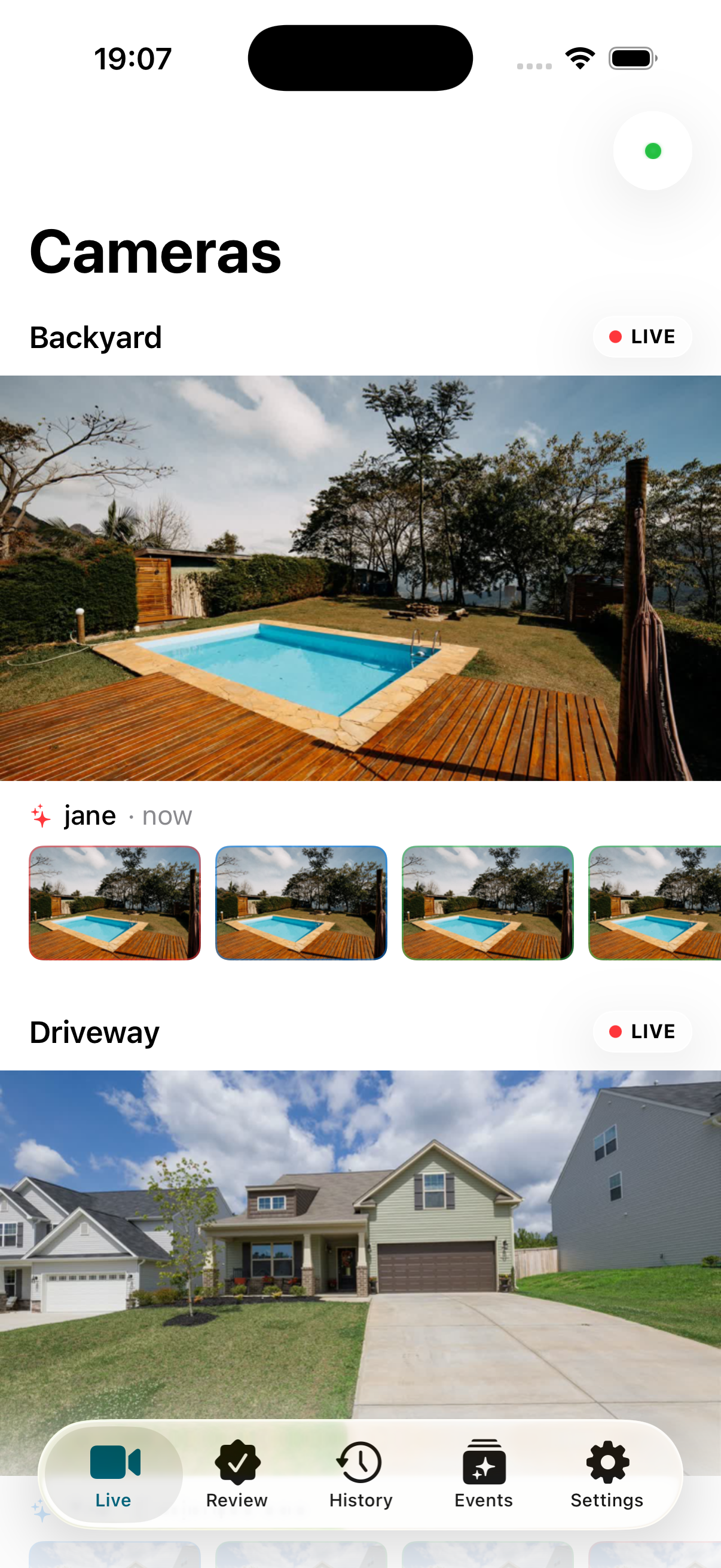
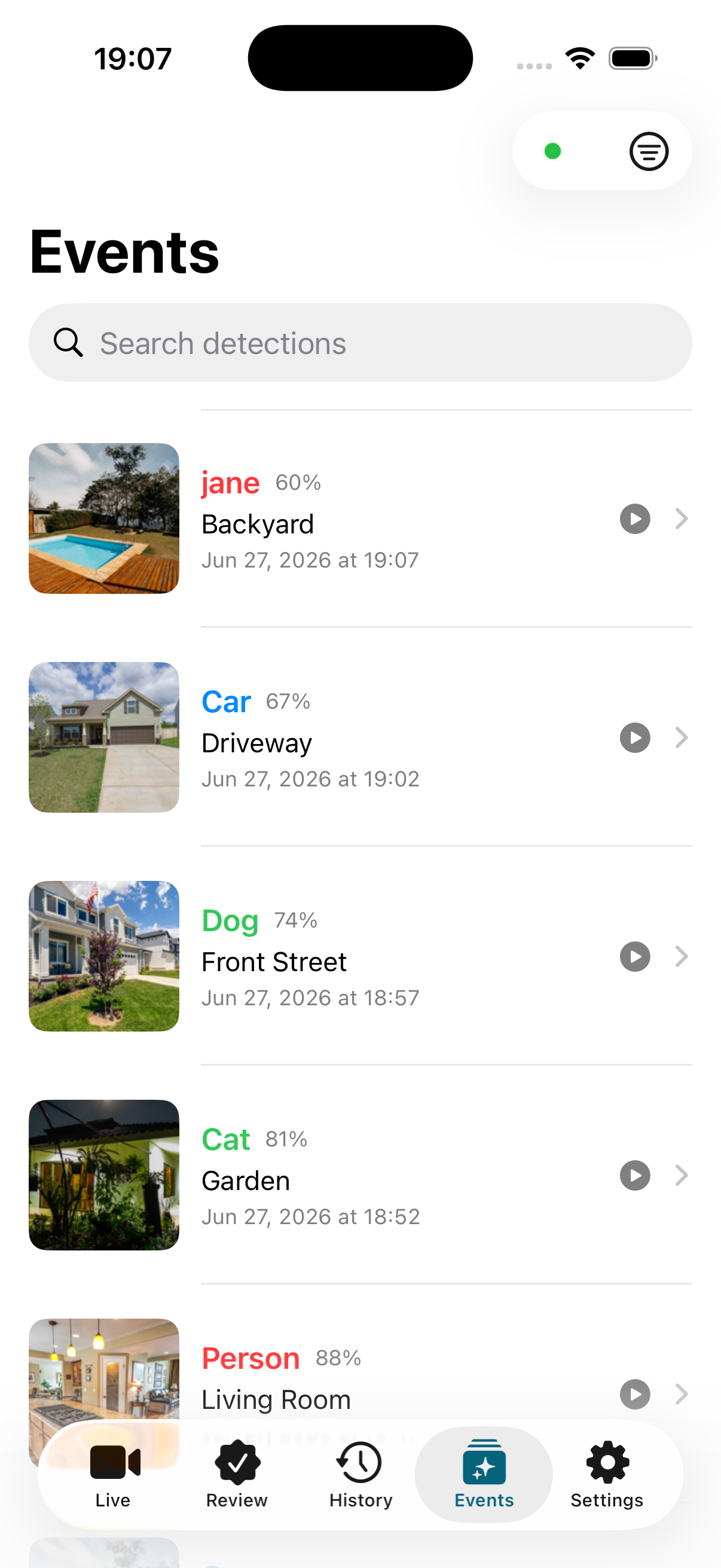
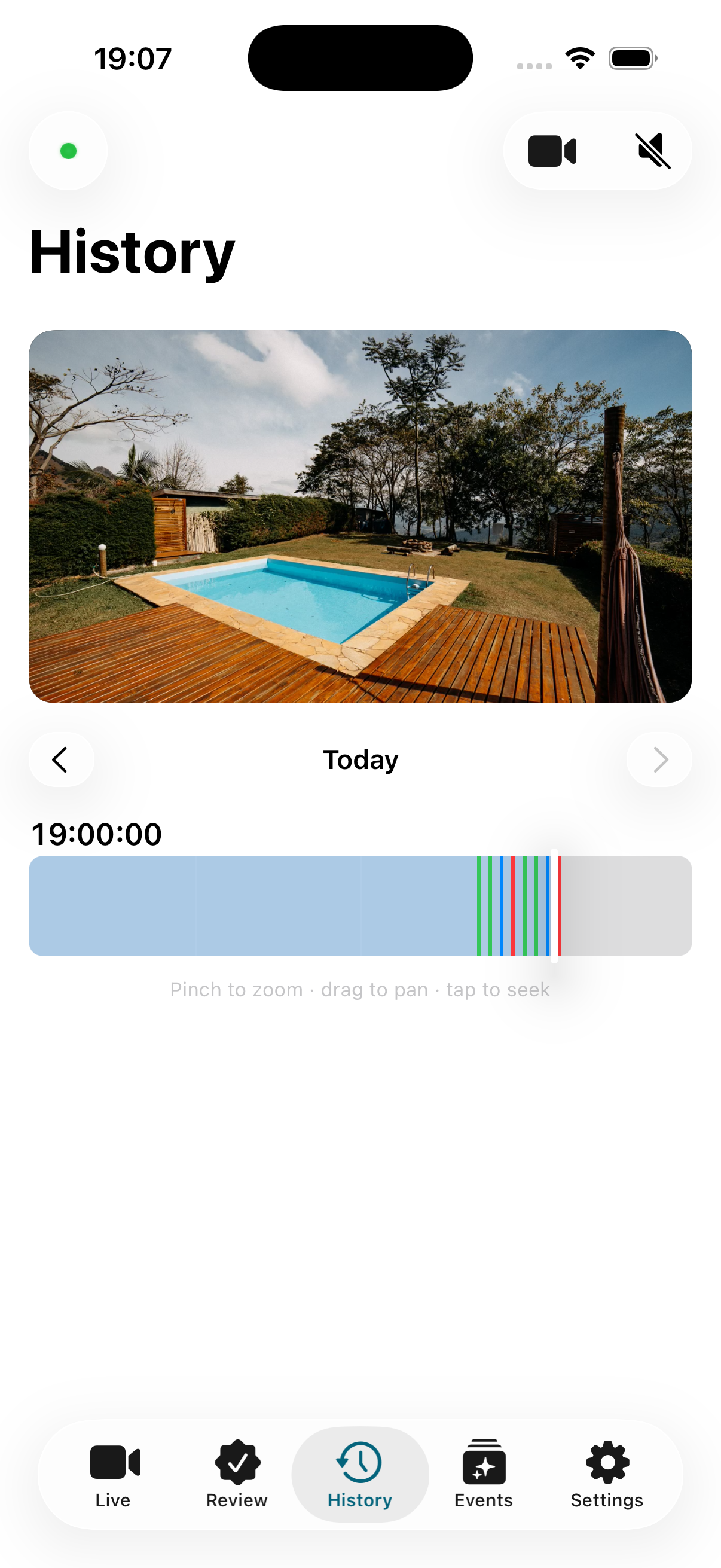
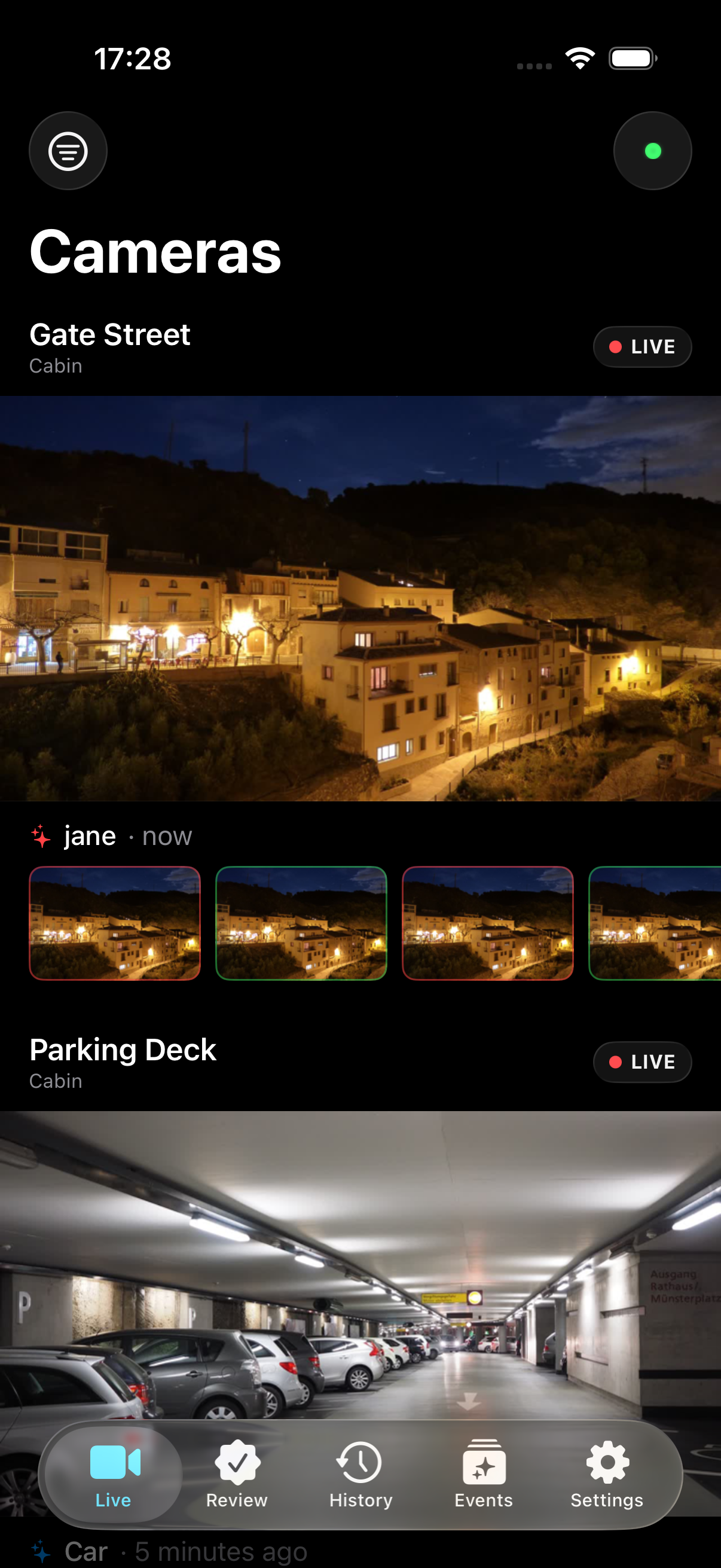
Tap a feature to see it on the phone.
Why Volaire
Everything you want from your cameras, kept private
Truly private
Your video travels straight from home to your phone, always encrypted. Even we can never see it.
Honest, low pricing
Free while we're in beta. After that, a single low subscription covers everything, with simple flat pricing and full access to all your cameras.
Easy setup
Add the helper, pair your phone, and you're watching in minutes. Your router settings stay exactly as they are.
Works anywhere
At home, on the train or on holiday, your cameras connect the same way over any internet connection.
Made for iPhone
A fast, native iOS 26 app with Face ID lock, sharp video, and the polish you expect from the App Store.
You hold the keys
The list of who can connect lives on your own equipment. Invite people you trust, and revoke them whenever you like.
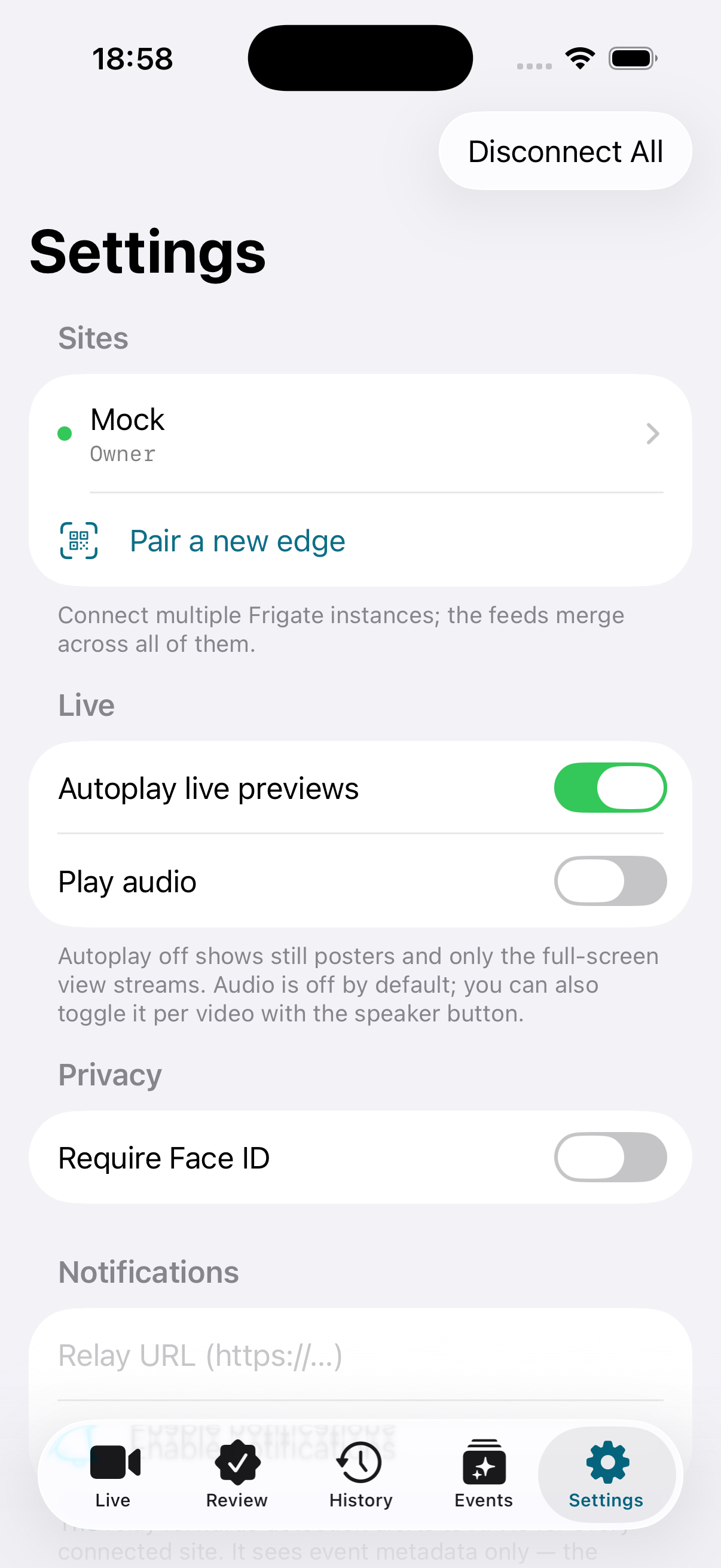
Screenshots
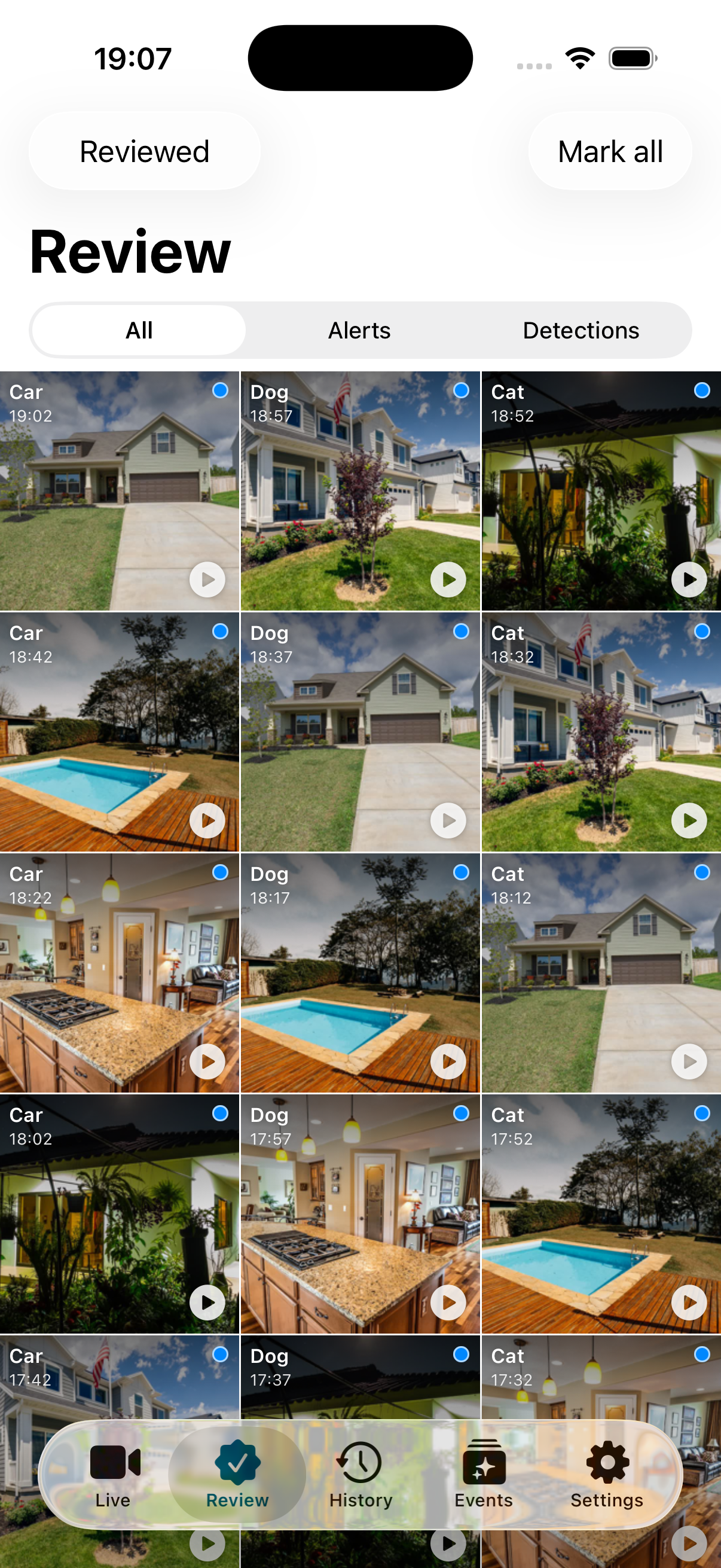
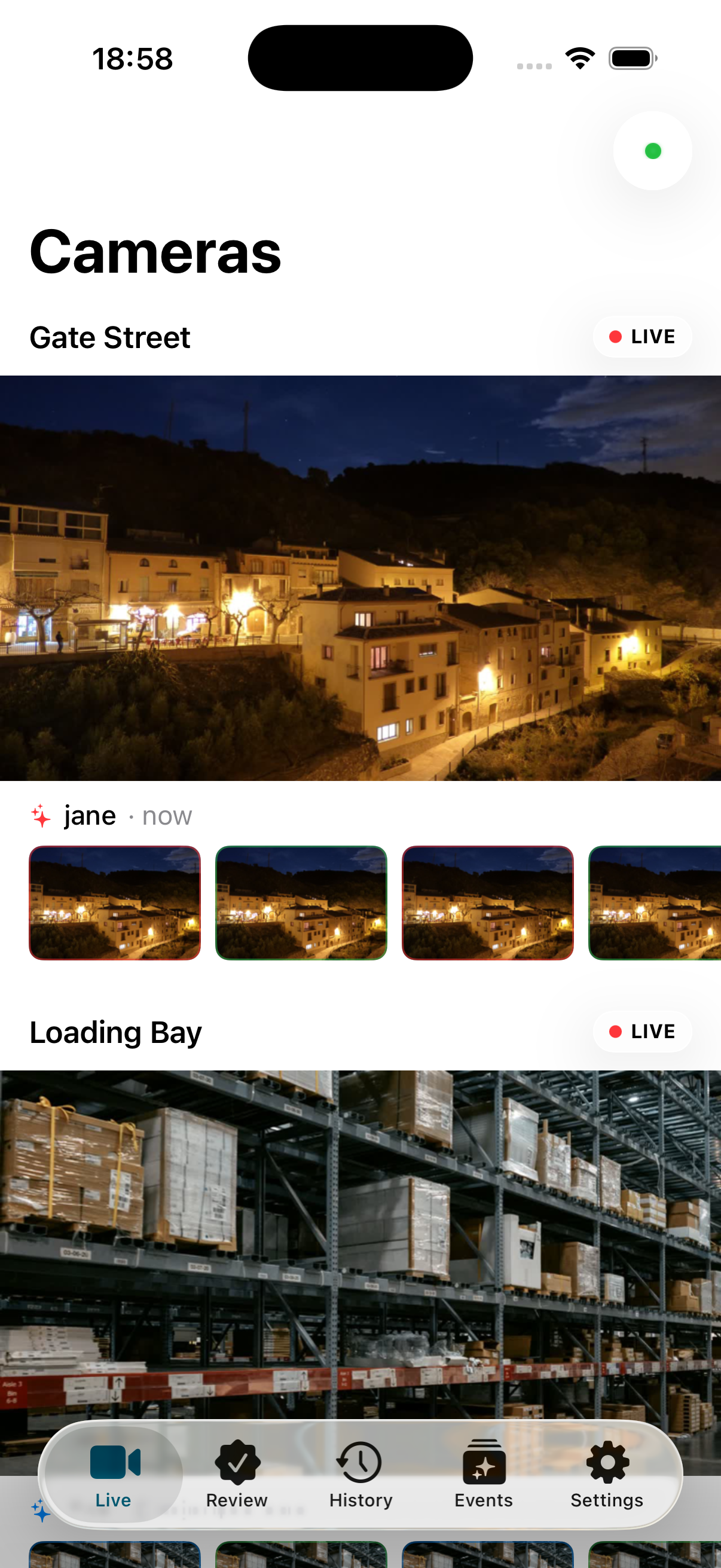
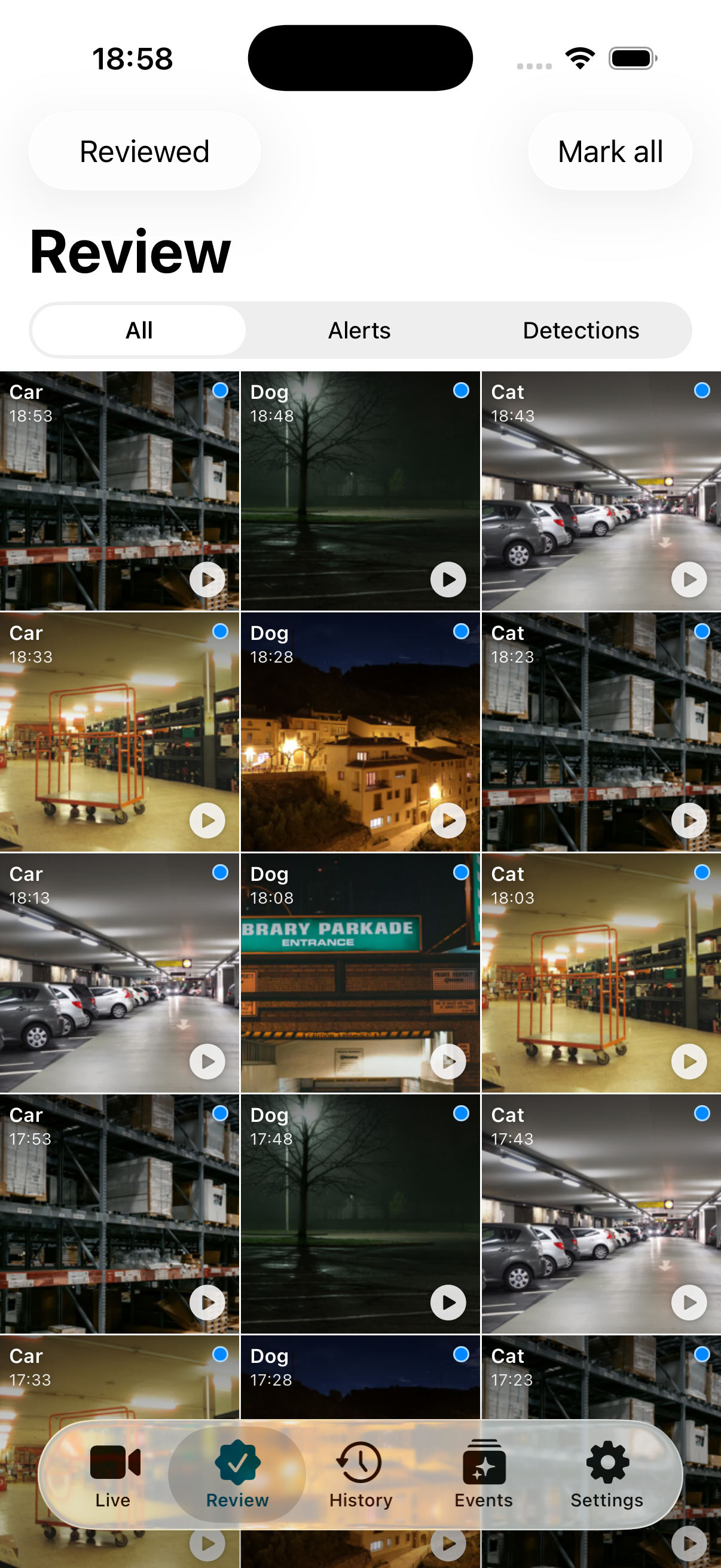
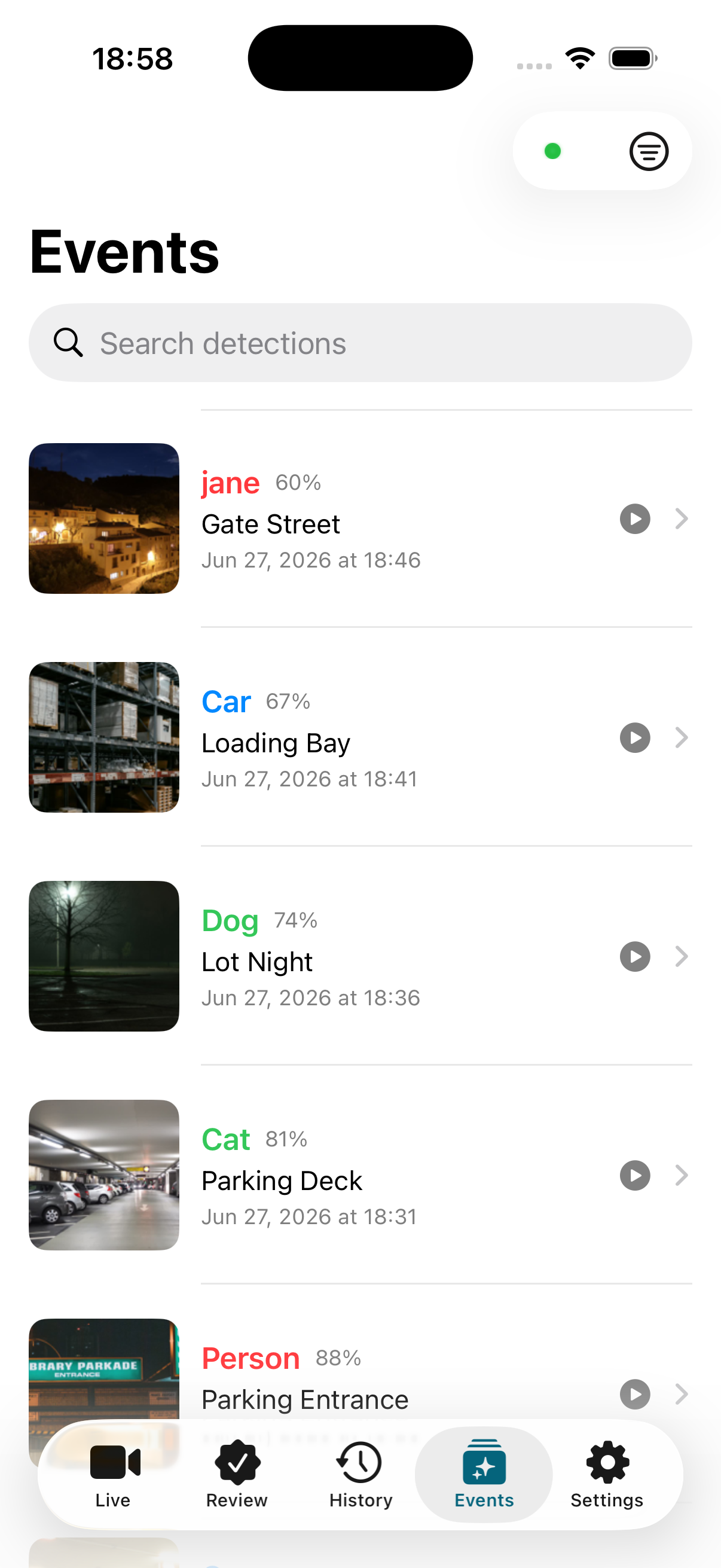
From the front door to the loading dock
The same app scales from a single home camera to a multi-site business.
Privacy
What actually leaves your home?
Volaire is built so the sensitive part, your video, never reaches a company you don't control. Here's the whole story in plain terms.
-
Video and snapshots
These stay on the private link between your home and your phone. Your video sits on your own equipment, and nowhere else.
-
Alerts (only if you turn them on)
If you enable notifications, only the event type and camera name pass through a tiny relay to reach Apple. The snapshot is still fetched privately by the app.
-
Anonymous by default
You use the app without an account or profile. It keeps no personal data and includes no outside trackers.
Setup
Get going in a few minutes
Add the small helper next to Frigate, then pair the app once with the code it shows you. The first phone to pair becomes the owner. Pick whichever way matches your setup:
# Run the helper next to Frigate
docker run -d --name volaire-edge --restart unless-stopped \
  -e FRIGATE_ADDR=host.docker.internal:5000 \
  -v volaire-edge-data:/data \
  ghcr.io/jlohmoeller/volaire-edge:latest

# Read the pairing code it prints
docker logs volaire-edge
Then open Volaire → Pair a new edge → enter the code. Done.
FAQ
Questions, answered
What do I need to use Volaire?+
A working Frigate NVR (version 0.14 or newer), the small Volaire helper running next to it, and an iPhone on iOS 26. That's all you need, with no extra cloud service to sign up for.
Is Volaire its own camera system?+
No. Volaire is a companion app, not a video recorder of its own. The recording happens in Frigate, your self-hosted NVR. Volaire gives you a iPhone-native way to watch and manage everything Frigate produces. We're glad to help with Volaire itself, but we can't provide support for installing or configuring Frigate. For that, the Frigate documentation and community are the best place to start.
How much does Volaire cost?+
Volaire is free to use while it's in beta. After launch it moves to a single low subscription with simple pricing for system owners that covers all your cameras and our running costs.
Do I need to change my router or set up a VPN?+
No. Volaire makes the connection for you automatically, so it just works. You need internet connectivity and that's it.
Does it work when I'm away from home?+
Yes, anywhere with an internet connection. At home, on cellular, or on the other side of the world, your cameras connect via the best way.
Can anyone else see my video?+
No. Your video and snapshots travel on a private, encrypted link straight between your home and your phone. The only thing that can reach a server is alert metadata (no images or recordings), and only if you switch alerts on.
What personal data is collected?+
None by the app. There's no account, no analytics inside the app, and no third-party trackers. The list of who can connect lives on your own equipment. See the privacy statement for details. This website uses optional analytics only if you accept the cookie banner.
How does it work behind the scenes?+
Each iPhone and each edge companion has its own cryptographic identity. Your phone uses that identity to open a direct, encrypted connection to your edge, like a private line between just those two devices. To set that line up across the internet, a small rendezvous server helps the two sides find each other and work around home routers and firewalls. It only introduces the devices, then steps out of the way so your video flows straight between your home and your phone. If a direct path cannot be made, an optional relay forwards the encrypted traffic instead, and even then it only sees scrambled bytes. All of your camera traffic shares that one secure connection: live views, recordings, snapshots and events are multiplexed over a single tunnel, while a tiny proxy on your iPhone lets the video player reach your Frigate API as if it were sitting on your home network.
See your cameras the private way
Free to use right now. Private from your home all the way to your phone.